Determining your version of MirageID
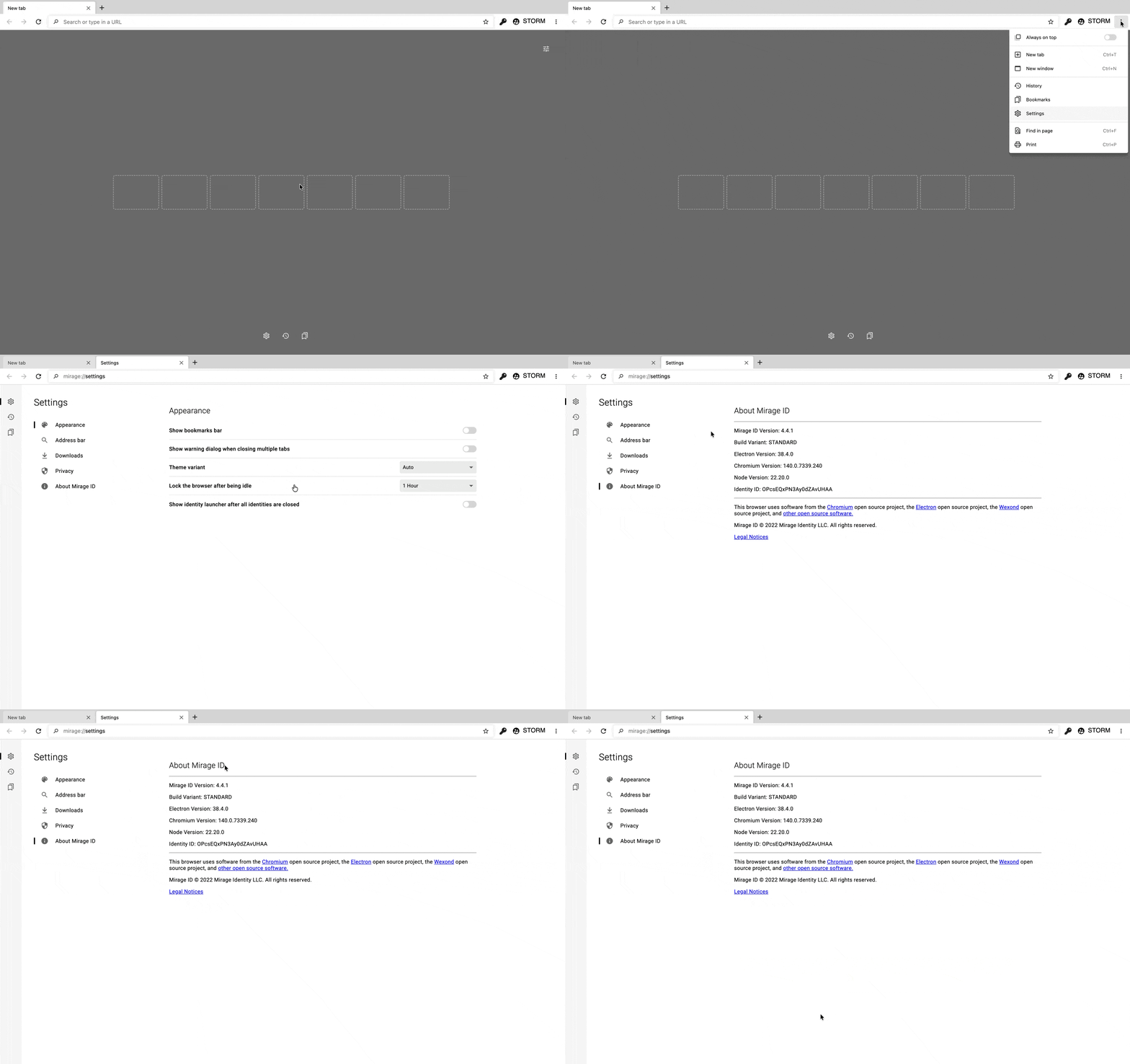
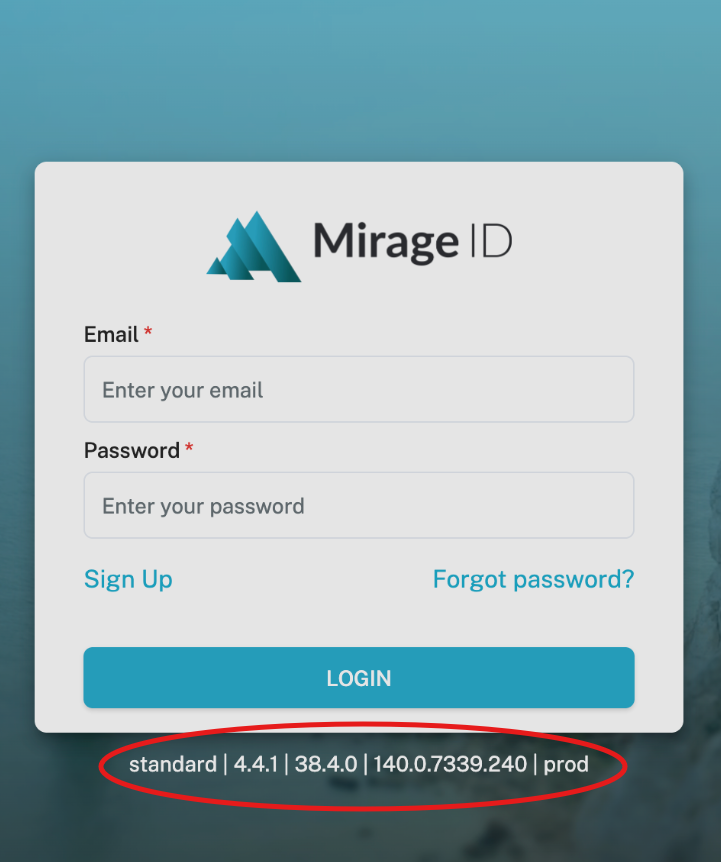
how to tell what version of mirageID you are runningThere are two locations where the version can be found:On the settings page under “About Mirage ID”On the login screen when you first log in:Note that there are a bunch of components of the version. We usually only need the first part - “3.2.0” in the examples above.
There are two locations where the version can be found:
On the settings page under “About Mirage ID":
Or on the login screen when you first log in:
How did we do?
Remove locally stored Identity data
How many users can share an Identity?